
Why Tech Matters for Traveling Doctors
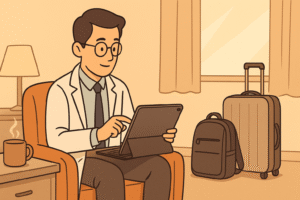
As a doctor who frequently works in different countries, whether through short-term assignments or ongoing international travel, I’ve come to realize that having the right tech setup is essential for maintaining productivity and security. Over the years, I’ve streamlined my tech gear to include only the essentials that allow me to be mobile without compromising my work.
The right tech not only helps me stay connected to my patients via telemedicine but also ensures I can handle administrative tasks, medical research, and even relax during my downtime — all without carrying a heavy load. In this post, I’ll share my personal experiences and the tech gadgets I swear by as a traveling doctor, along with some tips that have made my medical travels more efficient and enjoyable.
Must-Have Tech Gadgets for Traveling Doctors
When it comes to traveling with tech, my goal is always to keep things lightweight but functional. Here are the gadgets that I never leave behind:
Disclosure: This post may contain affiliate links. As an Amazon Associate, I may earn a small commission if you make a purchase — at no extra cost to you. Read my full disclaimer →
Laptop or Tablet: Your Digital Hub
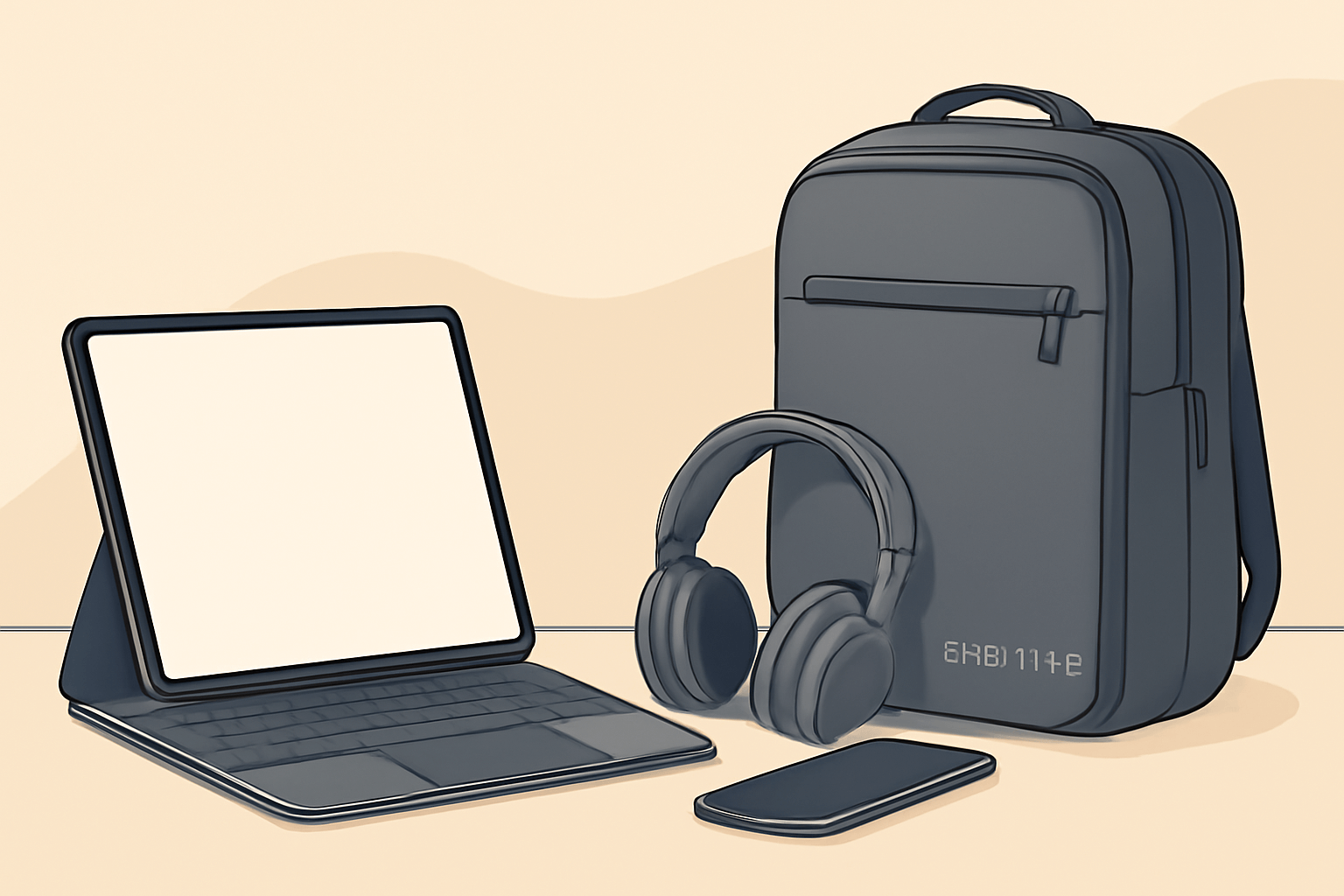
The tech I rely on most for my traveling work is undoubtedly my iPad Pro. It’s incredibly versatile, combining the functionality of a laptop with the portability of a tablet. I’ve used it for everything — from conducting virtual consultations to reading up on medical journals or even sketching notes on anatomy using the Apple Pencil.
For me, the iPad Pro strikes the perfect balance between portability and performance. I also pack a keyboard attachment to turn it into a makeshift laptop when I need to write or work on spreadsheets during long flights.
Related Reading: Best Device for Doctors: MacBook Air vs iPad Pro
Smartphone: Stay Connected On the Go
A good smartphone is absolutely essential. Over the years, I’ve learned that my phone isn’t just for calls and messages — it’s my primary tool for staying connected with patients, accessing medical resources, and managing my day-to-day. Whether I’m using Medscape for drug references or Epocrates for clinical decision support, having these apps on my phone makes managing my work easier.
What I’ve found especially helpful is having all my telemedicine apps set up on my phone for quick consultations when internet access is available. It’s saved me countless hours and stress, especially when I was traveling abroad with limited access to medical offices.
Noise-Canceling Headphones: Block Out the Distractions
Anyone who travels knows that noise is often unavoidable, whether it’s on an airplane or in a busy city. Personally, I can’t imagine traveling without my Sony WH-1000XM4 headphones. They’re a game-changer, allowing me to focus completely during virtual consultations or simply relax with a podcast or audiobook without distractions.
These headphones offer the perfect balance of comfort and performance, and they’ve been an absolute essential in my minimalist tech setup.
Keeping Your Tech Organized and Efficient
One thing I’ve learned during my years of traveling is that organizing my tech gear can make or break my efficiency. I’ve had my fair share of frantically searching for cables or charging adapters, so I now stick to a system that works for me.
Tech Travel Bag: Everything in Its Place
I can’t stress enough the importance of a good travel bag. I used to throw everything in my backpack, but that resulted in tangled cables and a lot of wasted time. Now, I use the Nomatic Backpack. It has dedicated compartments for all my devices, chargers, cables, and even extra storage for any medical tools I may need. It’s a lifesaver when I’m in a hurry — and let’s face it, as a traveling doctor, I’m always in a rush!
The Nomatic Backpack is designed with professionals like me in mind, with a slim profile that’s durable yet sleek enough for both work and travel.
Related Reading : What’s in My Hospital Bag? Essential Gadgets Every Doctor Should Pack
Cable Management: Tangle-Free Tech
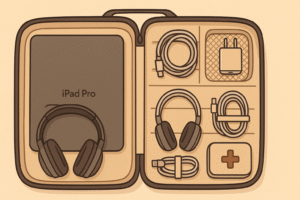
Over the years, I’ve tried many different methods to manage cables, but what works best for me is using Velcro ties and travel pouches. By grouping my cables based on type (charging cables, headphones, laptop power cords, etc.), I can easily find exactly what I need when I need it.
Once, during a busy stint in Singapore, I found myself running out the door for a shift and needed my laptop charger. Thanks to my organized pouch, I didn’t waste time digging through my bag — everything was right where I needed it. Small adjustments like this can make a big difference in staying productive on the go.
Securing Your Tech and Medical Data
Keeping medical data secure while traveling is a top concern for me. I’ve learned the hard way that encryption and online security are not optional, especially when dealing with sensitive patient information.
Encrypt Your Devices: Protect Patient Privacy
Whenever I’m handling patient data, I ensure that everything is encrypted. FileVault is my go-to encryption tool for macOS devices. I also use Boxcryptor for encrypting cloud storage.
On one of my international trips, I found myself working from various cafes and airports with public Wi-Fi, and I knew I had to take extra precautions. Encrypting my files ensures that even if something happened to my device, my patients’ personal information remains secure.
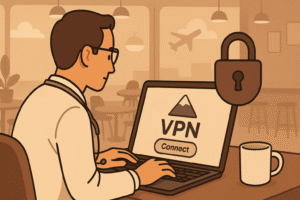
VPN for Secure Internet Access
Public Wi-Fi networks can be a hacker’s playground, which is why I always use a VPN. Having a reliable VPN service like Surfshark VPN ensures that my internet connection remains secure, especially when accessing patient data or conducting telemedicine calls.
During my recent trip to Sri Lanka, I relied heavily on my VPN to access medical resources and communicate with my team back home. It gave me peace of mind knowing my connection was secure, even when I was working from a remote hospital.
For more on securing your data while traveling, check out this guide on VPNs for healthcare professionals.
Optimizing Work and Leisure With Your Minimalist Tech Setup
One of the biggest benefits of having a minimalist tech setup is the ability to balance work and leisure seamlessly. Here’s how I’ve made my tech work for me:
Manage Work With Ease
With my iPad Pro and smartphone, I can manage my work from almost anywhere. Whether it’s completing a telemedicine consultation, reviewing patient records, or keeping up with the latest medical research, everything I need is at my fingertips.
But it’s not just about work. I also use my tech setup to enjoy downtime — for example, reading on my Kindle app or catching up on a favorite series via Netflix. I’ve found that staying connected through my devices helps me unwind during long flights or quiet moments in the hotel.
Enjoy Your Downtime with Streaming & Fitness Apps
After long hours of work, I make time for relaxation with streaming services and fitness apps. I rely on MyFitnessPal to track my workouts and meals, and Spotify to play relaxing music. It’s these little personal touches that allow me to recharge while traveling.
Related Reading : Fitness Hacks for Doctors Who Don’t Have Time to Work Out
Conclusion
As a traveling doctor, having the right tech is key to staying productive, organized, and secure. Over the years, I’ve fine-tuned my minimalist tech setup to include only the essentials that allow me to do my job efficiently while also enjoying my travel experiences. Whether it’s the iPad Pro for telemedicine or noise-canceling headphones for focus, each piece of gear plays a vital role in keeping me balanced and prepared.
I hope this guide helps you streamline your own tech setup, so you can focus on what truly matters — delivering excellent care while exploring the world.
What are your go-to tech gadgets for traveling as a doctor? Share your tips and experiences in the comments below!